
Name-Based Case Searches
re:SearchNM documents Party as a Quick Search option and supports first-name or last-name logic. Its Basic Search can narrow a broad name with case category, case type, case status, filed-date range, judge, location, party, attorney, attorney number, or case number. Combining a Union County court location and other known case facts is safer than treating a name match as conclusive.
The New Mexico Judiciary’s public-access explanation distinguishes free Case Lookup, SOPA, and registered re:SearchNM access.
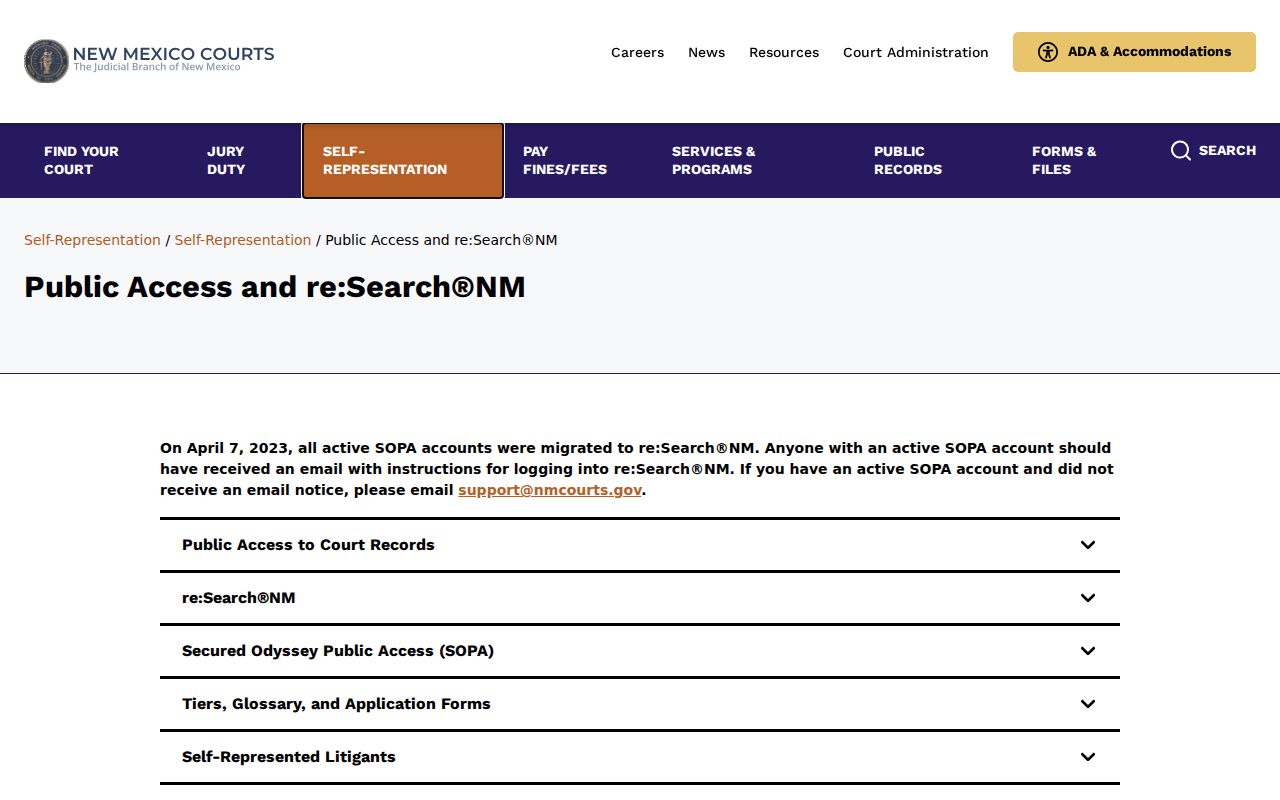
It is important to identify the tool before interpreting a result: no-account case information is not the same thing as authorized online document access.
- Open re:SearchNM and choose Quick Search or the relevant Basic Search tab.
- Enter a party name and add a first or last name where known.
- Narrow with location, category, status, type, filed-date range, or judge.
- Open a possible match and compare its case number, location, and case details before relying on it.
The Case Lookup access page confirms no registration is needed for its basic case-information path, but the live interface was CAPTCHA-gated during this research. The accessible official materials do not verify its current name-search labels, partial-match behavior, date fields, result sorting, or filtering controls. Follow the current interface instructions when using it rather than relying on a copied field list. If the result needs a court-file document or an official copy, continue to the responsible clerk.
Case Lookup Is the No-Account Starting Point
New Mexico Case Lookup is the judiciary’s free, no-registration route for case information from the stated Appellate, District, Magistrate, Metropolitan, and limited Municipal records. It does not provide document images, and it withholds Social Security numbers and addresses. It is a practical first check for a District or Magistrate matter, but it is not the court-file source.
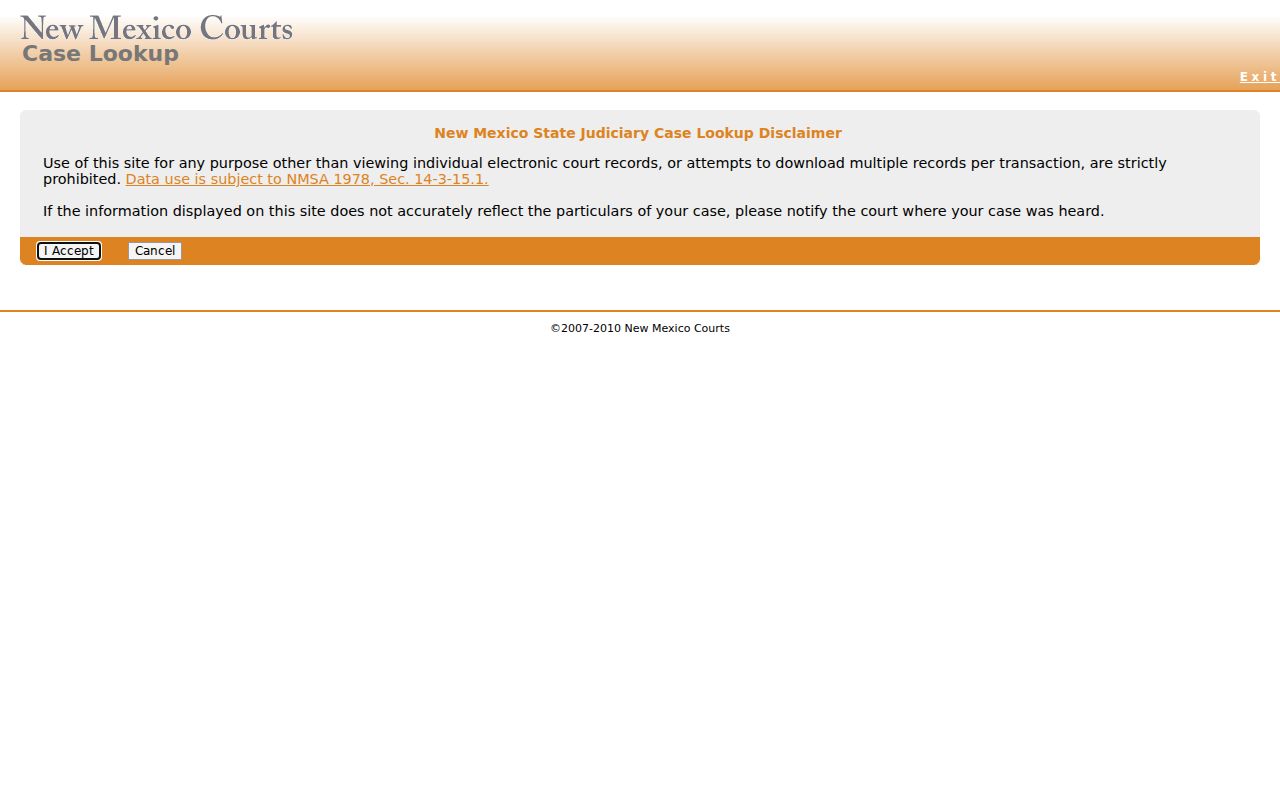
During the research for Union County, the live Case Lookup interface returned a CAPTCHA. No case was opened and no current field layout or case-number format was verified. If a CAPTCHA appears, use an ordinary interactive browser or another official access channel; do not treat the barrier or a no-result screen as proof that a case is absent.
Case Lookup’s municipal limitation is material in Union County. The judiciary describes its Municipal data as historic criminal domestic-violence and DWI convictions from September 1, 1991. Clayton Municipal Court handles additional municipal categories, including traffic, petty-misdemeanor, animal-control, and code-enforcement matters. A clean Case Lookup result therefore cannot establish that a Clayton Municipal record never existed or that its clerk has no file.
Case Number Searches
A known case number is the most direct identifier for re:SearchNM Quick Search. The official guide says that dashes, capitalization, and leading zeroes are not required when entering the number. It also documents number-based searching in Basic Search and in the Hearings and Filings areas. Those directions apply to the re:Search service, not to an assumed Union County case-number pattern.
No official source located a Union-specific case-number format table or examples. Do not add punctuation, infer a court code, or reject a number solely because it does not resemble a format used somewhere else. Compare the returned case number with the court location, case category, case type, filed date, judge, and status before relying on a result.
A number can also distinguish the original court proceeding from an appeal or a related case. If a lower-court matter follows an appellate route into District Court, the original Magistrate or Municipal history does not automatically become the District Court’s record. Search each docket where it was filed and read the Location field. The research did not locate a Union County transfer, consolidation, or appeal-numbering guide, so those relationships should be confirmed with the court.
re:SearchNM Filters Narrow a Union County Search
re:SearchNM requires registration and account activation. Basic access is free, while the judiciary guide also describes Premium and Pro subscriptions. The guide’s fields can focus a search without turning a broad name hit into a final answer.
| Quick Search | Case number, party, attorney, or judge. |
|---|---|
| Basic Search tabs | Cases, Text in Docs, Hearings, and Filings. Text in Docs is described as subscription-based. |
| Cases filters | Category, number, status, type, filed date, judge, location, and party. |
| Dates | From Date and To Date filters in the guide. |
| Hearing filters | Case number, hearing date/type, judge, location, party, and other documented filters. |
The re:SearchNM entry page is the registered access route.
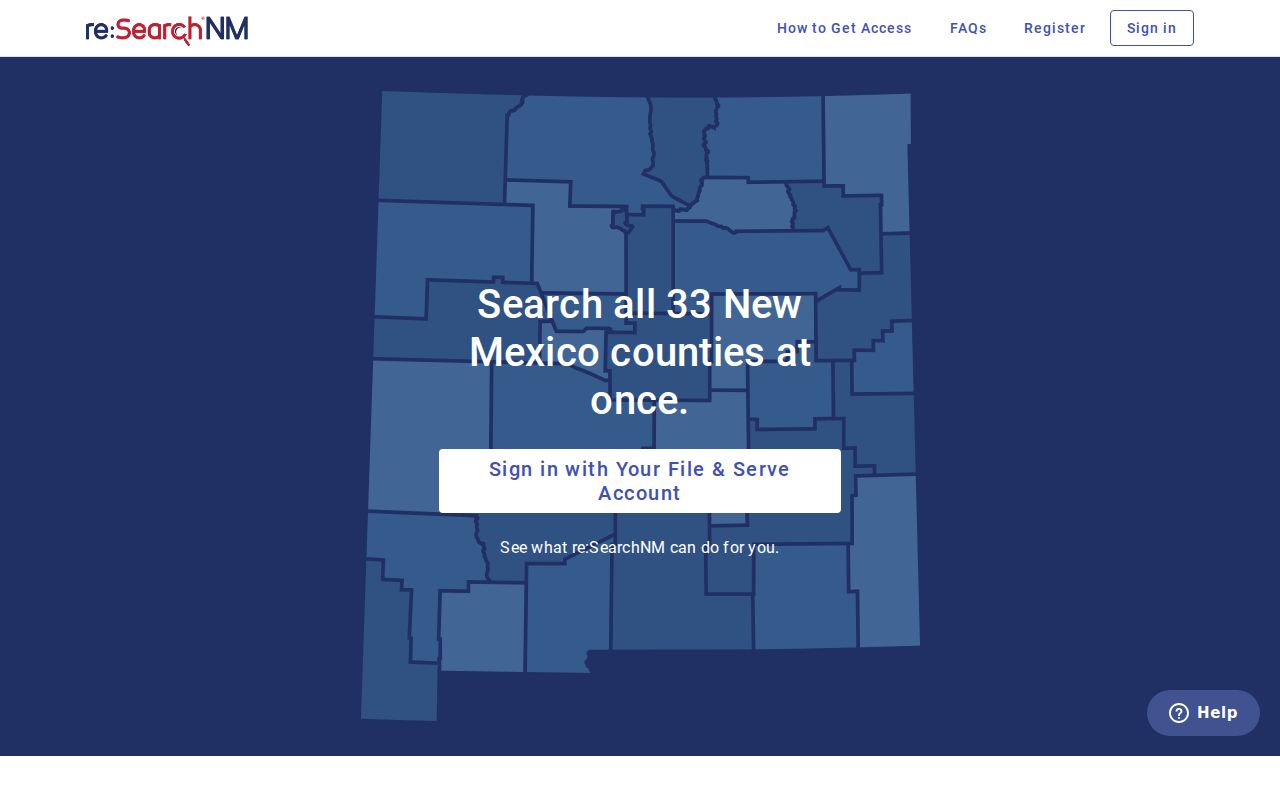
Registration or a paid level does not override a legal restriction, case relationship, jurisdictional limit, or a document-security setting.
Approved self-represented users can receive real-time updates for qualified cases, but the official guide says approval may take up to 30 days and some matters remain restricted. That is different from Case Lookup’s immediate no-account attempt. The guide recommends a computer for re:Search access and notes that a public library may be an option. It does not establish the availability or capability of a public computer at the Union County courthouse.
Case Search Results Explained
The official guide says a re:SearchNM result can show a case title, case number, location, case type, parties, attorneys, judicial officer, and filed date. The case-detail display can also show description, category, interim conditions, judge, and a status such as open, closed, or unknown. The guide is an inventory of possible fields, not a promise that each field is populated for every Union County record.
| Case number | The court-assigned identifier used to distinguish the case. |
|---|---|
| Location | The listed court place. Check it before treating a similarly named case as a Union County matter. |
| Category / type | High-level and more specific classifications, such as Civil, Criminal, Family, Probate, or Mental Health. |
| Filed date / judge | Case-detail identifiers that help confirm the selected record. |
| Status | A system state, not necessarily a complete explanation of every event or outcome. |
| Events / Filings | Chronological activity; New Mexico treats the two labels as interchangeable in re:SearchNM. |
Read a status with the supporting fields, not in isolation. “Open,” “closed,” and “unknown” are examples shown in the guide, but a status does not show every document, define every local code, or replace the newest event and hearing information. The source did not locate a Union County abbreviation list, financial-field glossary, or case-status decoder. Ask the responsible clerk about an unfamiliar entry rather than assigning a meaning that the official materials do not support.
Case Lookup, SOPA, and re:SearchNM
These are not three names for the same experience. Case Lookup is the public no-account case-information channel and has no document images. re:SearchNM is the registered Odyssey access service, with documents available only where the profile and access rules allow. Secure Online Public Access, or SOPA, is a login service the judiciary retained temporarily while re:SearchNM transition issues are resolved; the research does not support treating it as a substitute for either of the other paths.
The Secure Online Public Access login service remains an official transition-era option.
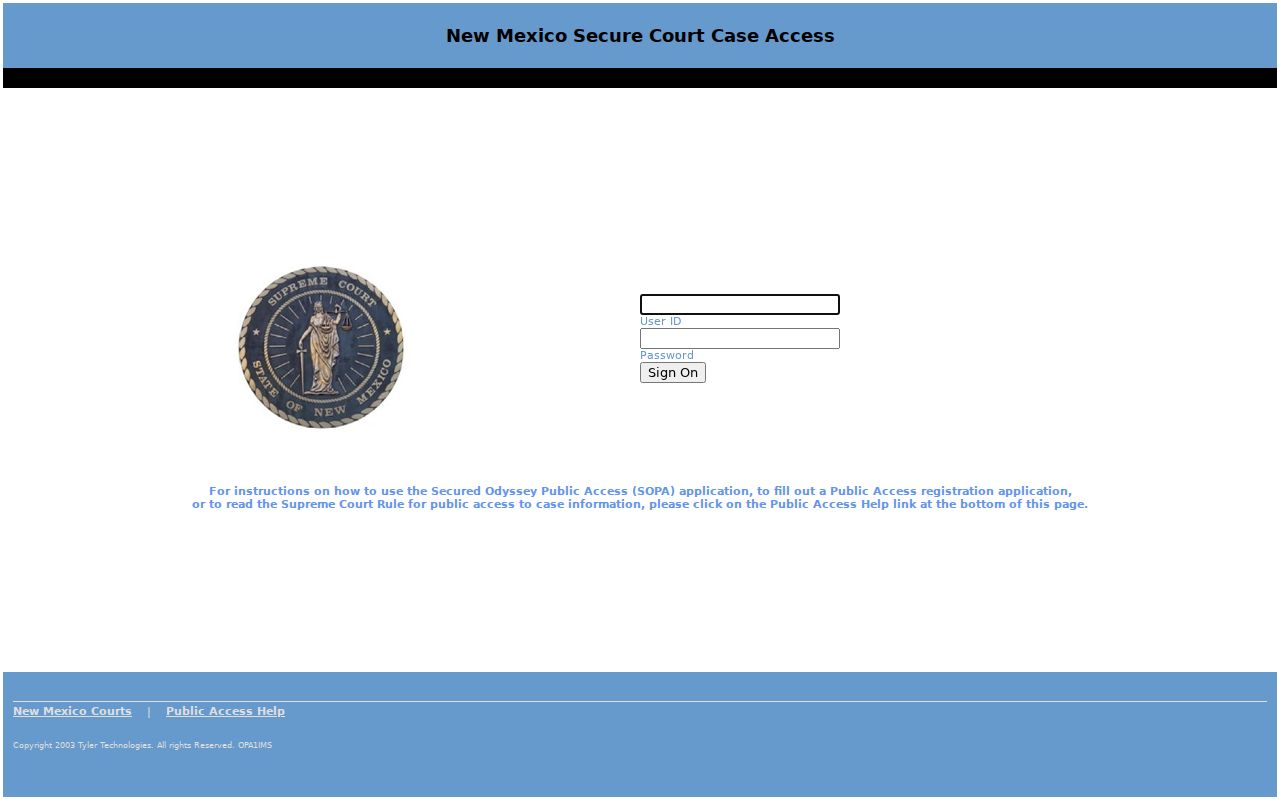
Use the service’s own current eligibility and access notices rather than assuming that a SOPA account provides every re:Search feature or unrestricted documents.
Odyssey File & Serve is another separate system often encountered in New Mexico court work. It is the filing and service product, not the general public reader. Its connection to a docket description may explain why a filing appears in other systems, but filing access is not a replacement for Case Lookup, registered re:Search access, an official clerk copy, or the formal IPRA request route.
Two Ways to Search: County and State
Union County does not publish a county-owned docket search website. The statewide services are the online starting point, but the proper local fallback is court-specific. The Eighth Judicial District clerk holds District Court files; the Magistrate clerk holds Magistrate matters; Clayton Municipal Court has a separate clerk for municipal matters. A result should be checked against the court location, not just the county name.
| Channel | Best-supported use | Limit |
|---|---|---|
| New Mexico Case Lookup | Free basic case-information check | No documents; Municipal coverage is historically limited. |
| re:SearchNM | Registered case and authorized document review | Profile, tier, case, and security restrictions apply. |
| Responsible court clerk | Confirm the proper court and ask about its official file | Local timing and a universal online result are not published. |
| Judicial IPRA form | Formal request routed to the court that holds the record | The Administrative Office of the Courts is not the case-file custodian. |
The local clerk route matters because a statewide product cannot authenticate an ordinary web result as a clerk-certified copy. District, Magistrate, and Municipal courts are separately clerked. The court name and location should accompany any follow-up request. For records before 1997, the judicial access information directs requesters to the IPRA online form, rather than an unsupported local archival-search assumption.
Events and Filings Describe Docket Activity
New Mexico’s official guide uses Events and Filings interchangeably. They are chronological activity entries, not necessarily document images. The guide says they can be sorted newest first or oldest first and searched using filing code, filing description, file, or docket description. An event can show date, type, filing summary, name, comments, documents, pages, and a Document Security description.
Odyssey File & Serve is related but distinct. Its filing descriptions can flow into Odyssey, SOPA, re:Search, and Online Case Lookup, which helps explain why a filing event may appear. It is an e-filing and service channel, not the free public docket reader for a Union County search.
Document Security is a separate field from the event’s basic description. It can explain why an event is visible while the document image is not. A person should not infer from a visible event that the associated pleading, exhibit, transcript, or order is publicly downloadable. Where a public document or certified product is needed, ask the custodian court about inspection or copying rather than treating a search result as the complete file.
Which Cases Stay Restricted
A record not visible online may be restricted, outside the portal’s scope, or simply unavailable through that access path. Case Lookup does not show juvenile criminal cases after July 1, 2007, or Family Violence Protection Act order cases after July 1, 2008. Its Municipal material is limited to historic criminal domestic-violence and DWI convictions from September 1, 1991. Do not label a missing record sealed, dismissed, expunged, or nonexistent without confirmation from the proper court.
Rule 1-079 NMRA presumes public access while allowing automatic and court-ordered sealing. Guardianship proceedings have distinct confidentiality rules under Rule 1-079.1, while their docket entries can remain public with protected medical information excluded. re:Search Tier 2.5 material, including certain child, adoption, and mental-health matters, is described as law-enforcement-only.
Rule 1-079 also gives a public member a route to move to unseal material under the rule and original sealing order. That process is not the same as an expungement request under Rule 1-077.1, and neither is the same as a portal access limit. The research did not locate a Union-specific sealing form, counter procedure, or administrative order. Contact the court that issued the restriction for the applicable procedure instead of assuming an online account can change the restriction.
When a Statewide Search Is Incomplete
Move from the result to the record custodian when the online information does not resolve the question. Contact the Clerk of the Eighth Judicial District Court, Union County location for a District Court file, the Magistrate clerk for a Magistrate matter, or the Clayton Municipal clerk for a municipal matter. For a formal request, use the New Mexico judicial IPRA form and identify the specific court, case number if known, record type, and a reasonably particular description.
Case Lookup does not supply document images, and a re:Search document may remain unavailable because of security, sealing, confidentiality, profile, relationship, or jurisdiction. A clerk or IPRA route can explain the proper request channel, but neither path authorizes disclosure of material that is legally restricted.
The formal form asks for requester identification, a court location, a record subject where applicable, a type of record, a case number, and a sufficiently specific description. It also requires CAPTCHA completion. Give a date range and document type when an exact number is unknown. The evidence does not support a fixed turnaround, a flat request fee, automatic email delivery, or a general records-request inbox for the Union County clerks, so confirm those details before relying on them.