
How the Union County Court Calendar Works
Union County has no single calendar that settles every court-date question. The Eighth Judicial District posts local Court Hearing Schedule pages. One covers the Union County District Court. The other covers the Union County Magistrate Court. It also publishes a broader Court Calendar covering judge calendars across the district. Those tools differ from the case-level Hearings detail. re:SearchNM provides that detail to eligible registered users. None of them replaces a direct confirmation from the court. The district labels its judge calendars tentative. They may change, and the district refreshes them weekly. Treat any schedule as a working reference rather than a promise that a setting is final. A tentative calendar can still be wrong the day you arrive. Verify before you travel. The schedule pages and the judge calendar do different jobs. The local pages are court-specific. The broader calendar tracks judges. re:SearchNM adds hearing detail only when a registered user's access permits the case. New Mexico Case Lookup supplies case information without an account. It is not the source for a current date. For a firm answer, the court counter or a coordinator is still the practical channel.
Union Hearing Schedules and Tentative Calendars
The Union County District Court hearing-schedule page posts the local District Court docket of upcoming settings.
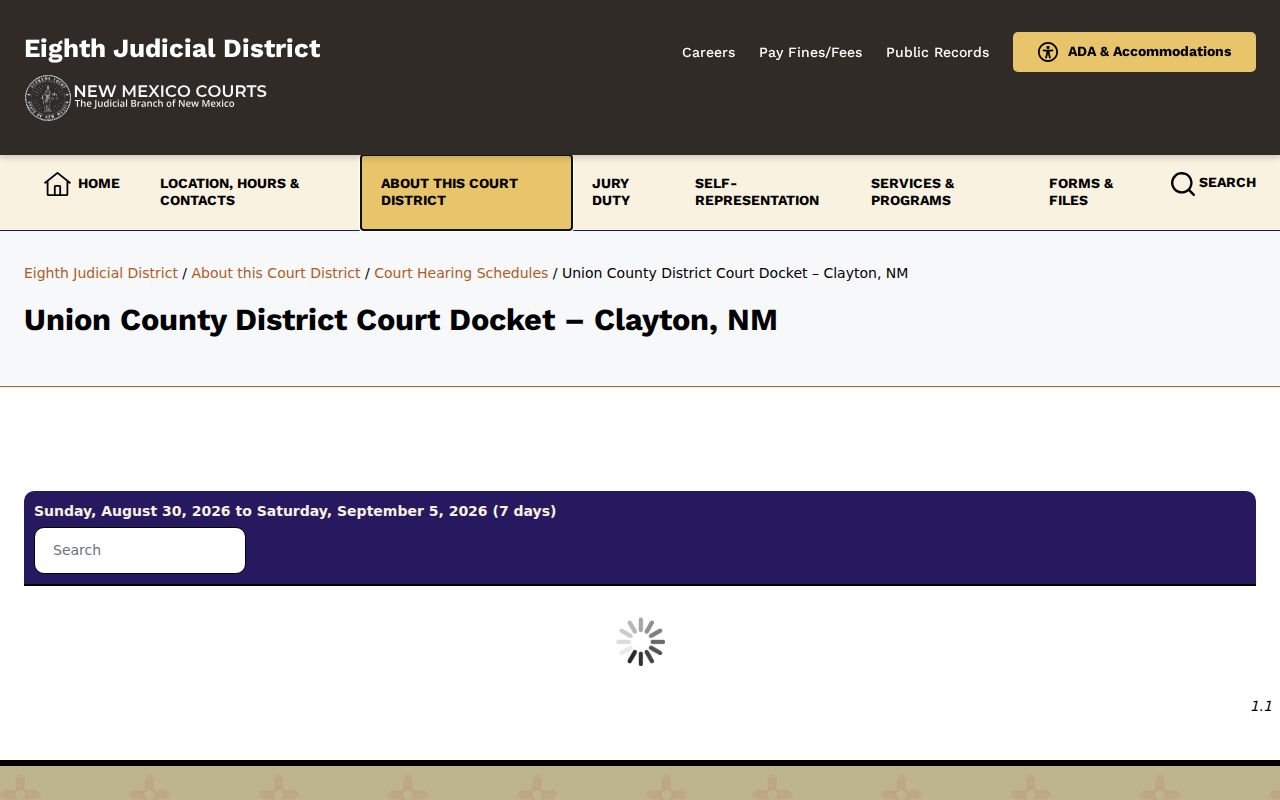
Read its court-specific entries before comparing them against a judge calendar or a case-level hearing record. The Eighth Judicial District hearing-schedules landing page splits the Union District and Magistrate paths apart.
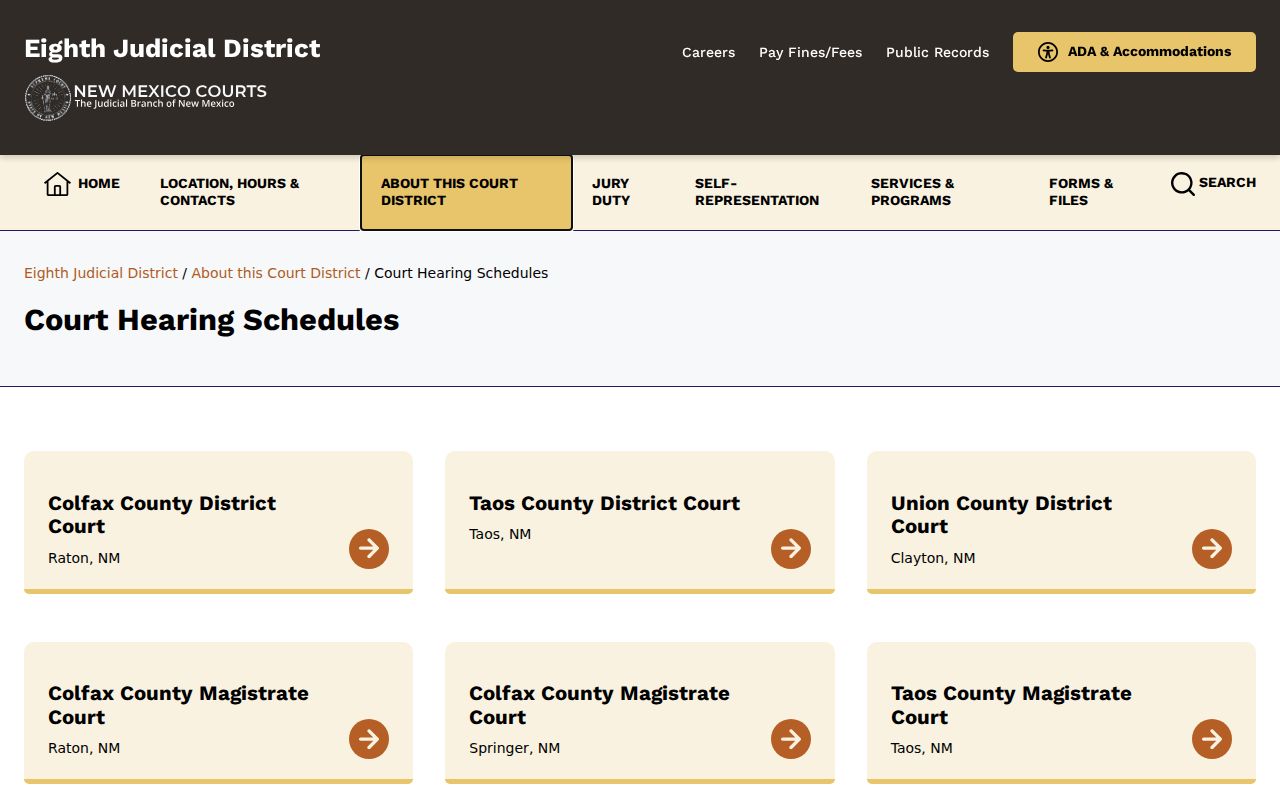
That split matters. District and Magistrate matters have separate clerks and separate dockets. A statewide tool can return case information from both. Neither local hearing-schedule page offers a stable public form, date filter, or case-number field. Take the pages as they appear when you check them. Note the court name. Note the update context alongside the date you find. A missing filter or a blank page does not mean a setting was removed. For anything case-specific, ask the court that accepted the matter.
Union County Court Date Lookups
Start with the court that received the case. A District Court matter belongs to the Clerk of the Eighth Judicial District Court, Union County location. A Magistrate matter has its own clerk. Clayton Municipal matters go to a separate municipal clerk, so the city name alone never identifies the docket keeper.
- For a District or Magistrate case, open the Eighth District hearing-schedules page and choose the appropriate Union County court page.
- Use free New Mexico Case Lookup for an initial no-account case-information check. It has no documents and its live search fields were not captured during research because of a CAPTCHA.
- With eligible registered access, search re:SearchNM Hearings by exact case number first, then narrow by date, location, or hearing type.
- Compare the result with the Eighth District Court Calendar, recognizing that the calendar is tentative and weekly updated.
- Call the court that keeps the docket to confirm the current date, time, location, and appearance instruction. The District counter is 575-374-9577; the Magistrate number is 575-374-9472.
For Clayton Municipal Court, use its published clerk contact rather than assuming a payment service doubles as a calendar. The nCourt payment interface offers no court calendar. Each lookup answers a narrower question. The local schedule pages show public schedule visibility. re:Search Hearings shows the documented detail fields for an accessible case. The tentative calendar gives a broader planning view. The clerk or coordinator can confirm the current setting. Union County offers no text-message reminder, email reminder, posted courtroom rule, or daily docket-call procedure, so assume none of them.
Check the Court Location Before Travel
Location is a hearing field, not a footnote. re:SearchNM lists it alongside the hearing date and time. The official sources give two different addresses for the Union County Magistrate Court. The statewide directory lists 836 Main Street, Clayton. The Eighth District and jury-reporting sources list 100 Court Street, Suite 5, Clayton. Both use 575-374-9472. The Judiciary's FY2024 annual report describes construction meant to add a hearing room and put the Magistrate Court beside the District Court. The report does not say the directory entry is superseded. Call before traveling. Plan for ordinary courthouse logistics like parking and entry rules by asking when you call. The same caution applies to a statewide case search. "Location" is a documented re:Search case and hearing field. It can separate a similar-looking record from the one you are tracking. For a District case, the official District Court address is 100 Court Street, Suite 5, Clayton. For a Magistrate case, use the court number to resolve the conflict. Do this before you arrange travel. Otherwise you may show up at the wrong place.
Court Settings: What Each Field Means
The official re:Search guide supports these specific setting fields. A field may sit blank on a given record. Do not let an older event override a current hearing summary or a confirmation from the court.
| Date / Time | The scheduled start information shown in the hearing detail. |
|---|---|
| Hearing Type | The system category for the setting. Exact Union County values were not published. |
| Judge Name | The judicial officer listed for that hearing record, when populated. |
| Location | The court place attached to the hearing. Verify it before travel. |
| Result | The recorded outcome field for that hearing, not necessarily the case’s final disposition. |
The guide also identifies a comment, reschedule reason, and cancellation reason. These appear in an expanded hearing summary. Those fields explain the record when they are filled in. Union County publishes no glossary of hearing types, abbreviations, or status codes. So ask the court about an unfamiliar local label. Importing terminology from another New Mexico court invites error.
re:SearchNM Hearing Details
For deep hearing detail, re:SearchNM is the registered channel built on Odyssey data. Its Hearings search lets you query by case number, case category, case description, case date, case status, case type, hearing date, hearing type, judge, location, party, or CAID. Open a hearing. The expanded summary can carry a comment, a reschedule reason, or a cancellation reason. Each field adds context. It helps you read a Union County court docket entry beyond a bare date line. The Eighth Judicial District Court Calendar adds a separate view. It shows each judge's calendar for the district.
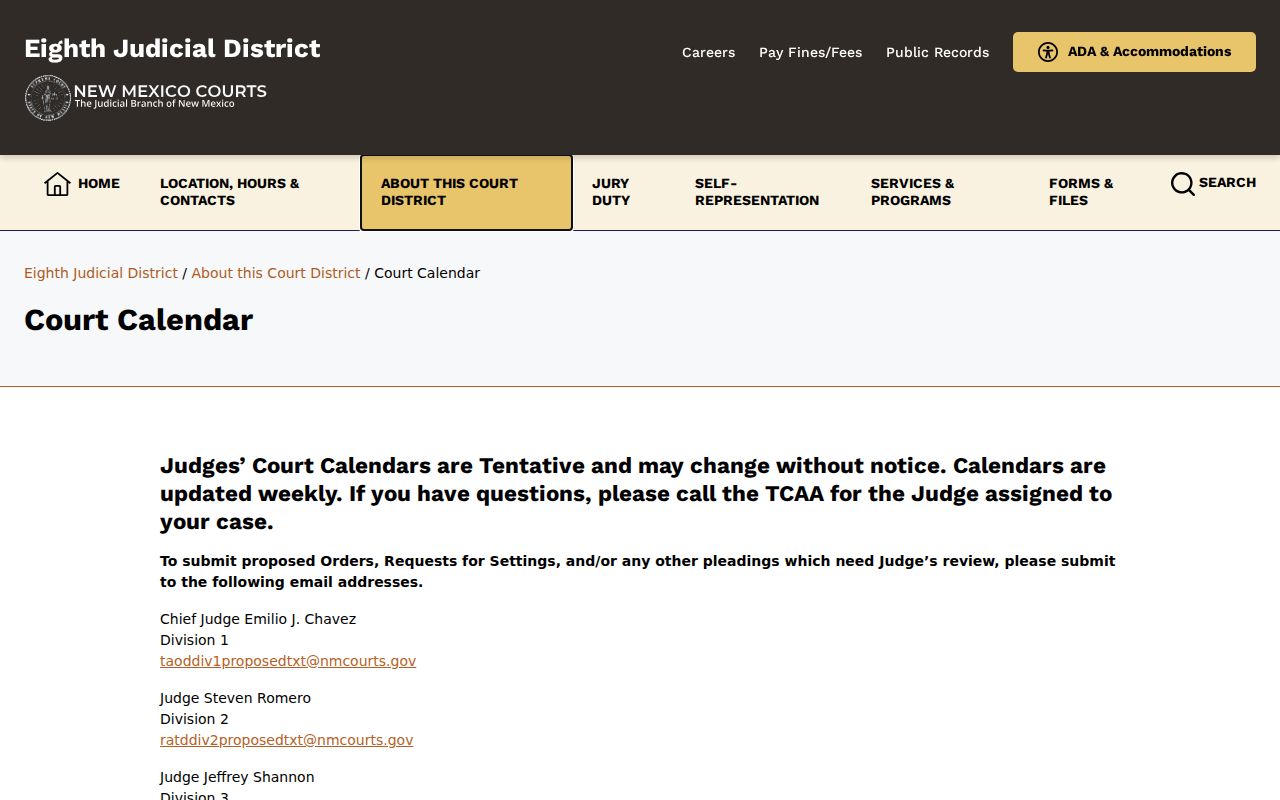
That judge calendar is tentative by design. If the tentative view and the detailed hearing record disagree, trust the detailed record. Then confirm with the court directly. Start an accessible case lookup with the exact case number. Then narrow the Hearing filters to the date, location, or hearing type you care about. Category, description, status, judge, party, and CAID filters are there too. A calendar or Hearing result can change after you view it. So compare the latest information. Do not trust a saved screen. An old entry will not do either. The system does not promise real-time access for every account or case. Freshness and a phone call to the clerk close the gap.
When a Court Date Moves
A moved court date deserves careful reading rather than guesswork about local continuance rules. Reschedule reason and cancellation reason fields hold that history in re:SearchNM. They appear when staff populate them. Terms like "Reset," "continued," "rescheduled," and "cancelled" describe past events. They are not a universal Union County code list. They never replace the current setting. Compare the newest hearing event against the current Date/Time, Location, Hearing Type, Result, and any comment. If the chronology still seems unclear, call the court. Union County publishes no continuance form, motion deadline, weather-reset rule, or daily-calendar field table.
One more trap: a filing description is not a hearing date. Odyssey File & Serve is the court's filing system. Its descriptions surface in Odyssey, SOPA, re:Search, and Case Lookup. That explains why a filing shows up as a docketable entry. It does not turn the filing portal into a calendar. Nor does it set an appearance time. For the date question, rely on the Hearing information. Get confirmation from the court itself.
Use the Court-Date Confirmation Chain
Work the chain in order. Schedule page first, then the accessible re:Search Hearing detail. Then check the tentative district calendar. Finally, contact the clerk or court coordinator. For a specific matter, the district calendar routes questions to the Trial Court Administrative Assistant. That assistant serves the assigned judge. No Union County coordinator is named with a direct line. Let the staff member who answers connect you. The District counter can point a question the right way. Magistrate matters go to the Magistrate clerk, whose docket is entirely separate.
Current-setting check: Ask the court to confirm the date, time, courtroom or location, and any appearance instruction. A no-account Case Lookup result is useful case information, but it is not the date authority and does not provide document images.
The chain earns its keep when an old event and a calendar clash. Note which court page or case record you checked. Then take the question to that court's clerk. Never carry a District Court schedule onto the Magistrate docket. Never assume a District calendar covers a Clayton Municipal matter. The court hierarchy decides the right contact. A county-wide label does not.
Missed Settings and What Comes Next
Union County publishes no standard consequence, cure period, or rescheduling procedure for a missed setting. So treat the silence as silence. A missing entry tells you nothing about your outcome. Neither does a calendar change. Another court's practice is just as uninformative. Call the clerk for the court that holds the case, promptly. Ask how to verify the current status and the next setting. A represented party can simply call their own attorney.
Missed a setting? The published materials do not establish a single Union County consequence or next step.
Use the case number and call the proper court to obtain confirmed information instead of relying on an older schedule or event.
The official materials also stay quiet on asking for a new date. They say nothing about appearing remotely after a missed setting. Written explanations by email get no mention either. None of that is a published Union County procedure. A caller can ask the clerk which court holds the docket. The clerk can explain how to get current information. Anyone with a lawyer can seek advice from that attorney. Just know the schedule sources create no local attorney-notification system.
Magistrate and Municipal Schedule Limits
For Magistrate matters, the Union County Magistrate Court docket page is the dedicated local schedule destination.
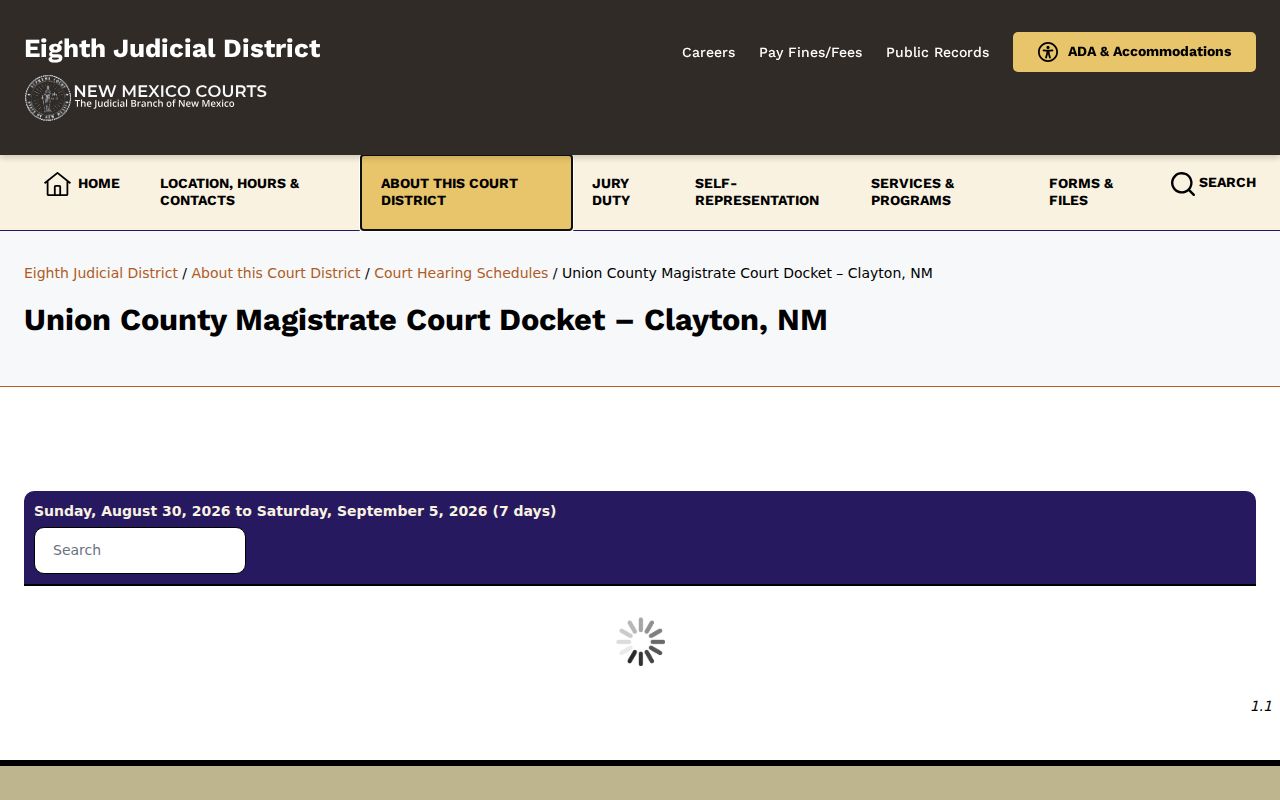
Use that Magistrate docket page alongside the clerk's confirmation, since the official office-location details conflict with each other. Clayton Municipal Court handles its own separate matters. Its published payment channel moves money, not calendar data. Bring date questions to the municipal clerk. Remember too that the Eighth Judicial District spans Union, Colfax, and Taos counties. A districtwide calendar label alone never identifies the Union venue. Verify the court, the case location, and the case number together. For Municipal matters, the state directories list Clayton Municipal Court separately. It carries two published office phone numbers. That is one more reason to confirm directly. Des Moines, Folsom, and Grenville have no separate Municipal Court in the official sources.